


How to Add Outlook Mailbox

Oct 12, 2022
 55
55
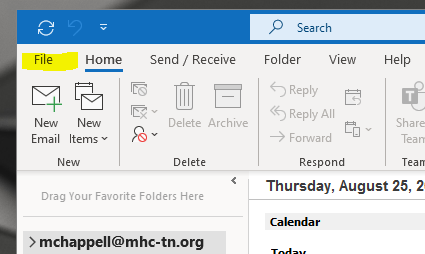
Click “File” on your Outlook window:
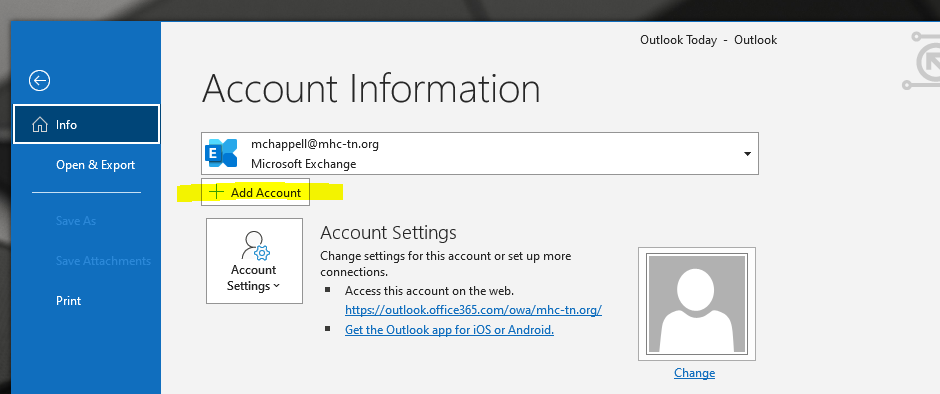
Then, click “Add Account”:
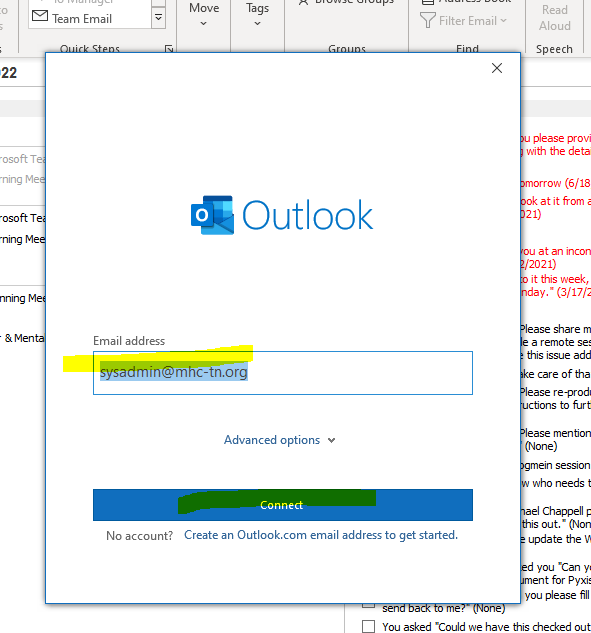
Enter your new utilizehealth.co email address below, and click “connect”
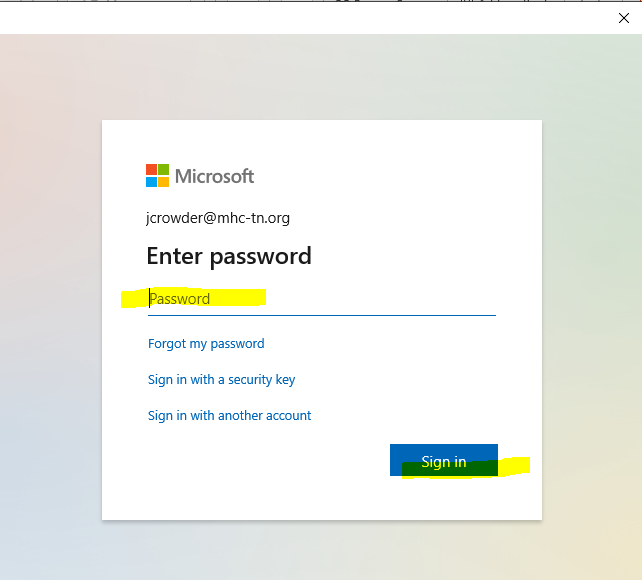
Enter the password for the new account:
Click to allow organization to configure settings
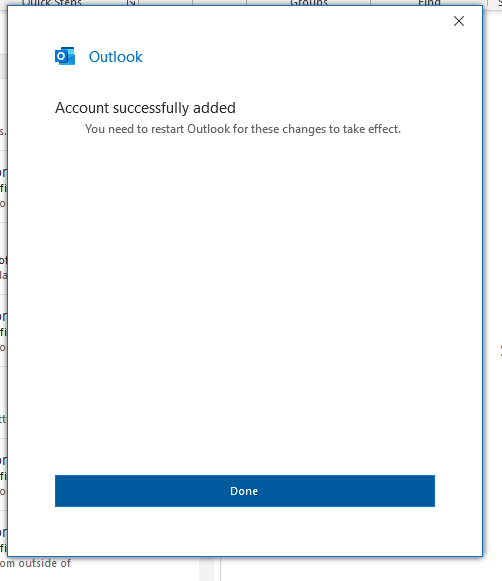
Then click done, and close/re-open Outlook
The new mailbox will appear below your main mailbox:
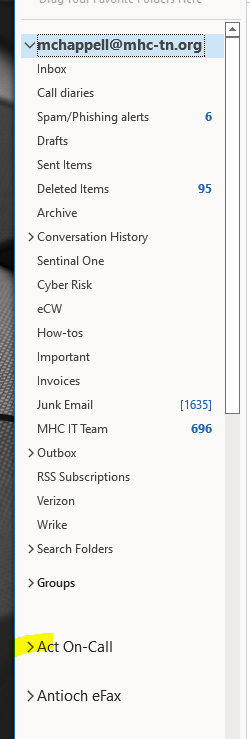
Click the carat to expand

